Use cases

Six people, six reasons the page exists.

Every screen below is the real product, not an illustration of it. Find the one that sounds like you, and start there.

The voter

Find out who is on your ballot, before you are in the booth.

Search by ward, constituency or name and open the profile. Every candidate who has published is here, with the manifesto they wrote - no account, no app, nothing to download.

  1. Search your ward on Candidates.
  2. Open two profiles and read what they actually said.
  3. Put them side by side in Compare, then ask the question the table raises.
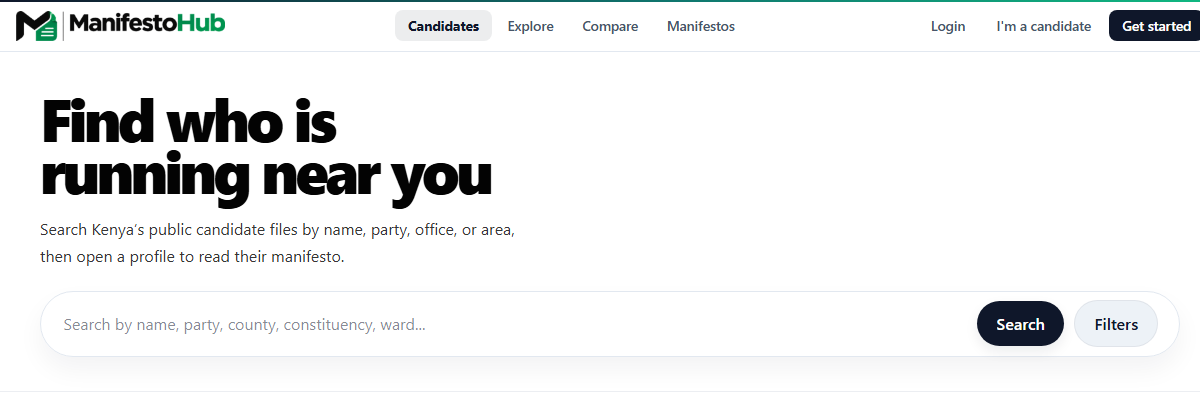
The candidate search, filtered by area

The candidate

Put the plan where voters can read it.

A manifesto written in a notebook reaches the people in the room. The same answers on a public page reach everyone who searches your name - and it is the page you print on a poster and open from a QR code.

  1. Answer four questions per priority. One at a time, and it saves as you type.
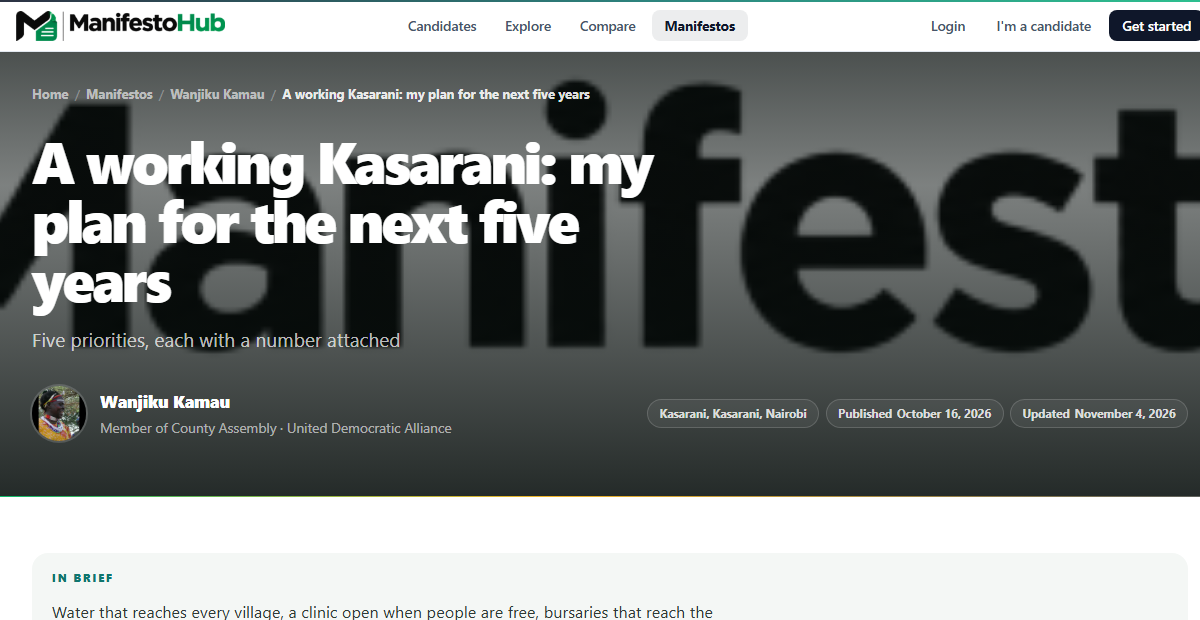
  2. Preview it exactly as a voter will see it.
  3. Publish, then share the one link everywhere you already share things.
A published manifesto, as voters see it

The campaign manager

Run the page without running the candidate.

You write the chapters, fix the photographs, keep the record straight. The candidate reads it on a phone and sends one WhatsApp message of corrections. Nobody has to sit in the same room to finish a manifesto.

  1. Set up the profile: seat, party, county, ward.
  2. Draft each chapter from what the candidate says at barazas.
  3. Send the preview link for approval, and publish when they say yes.
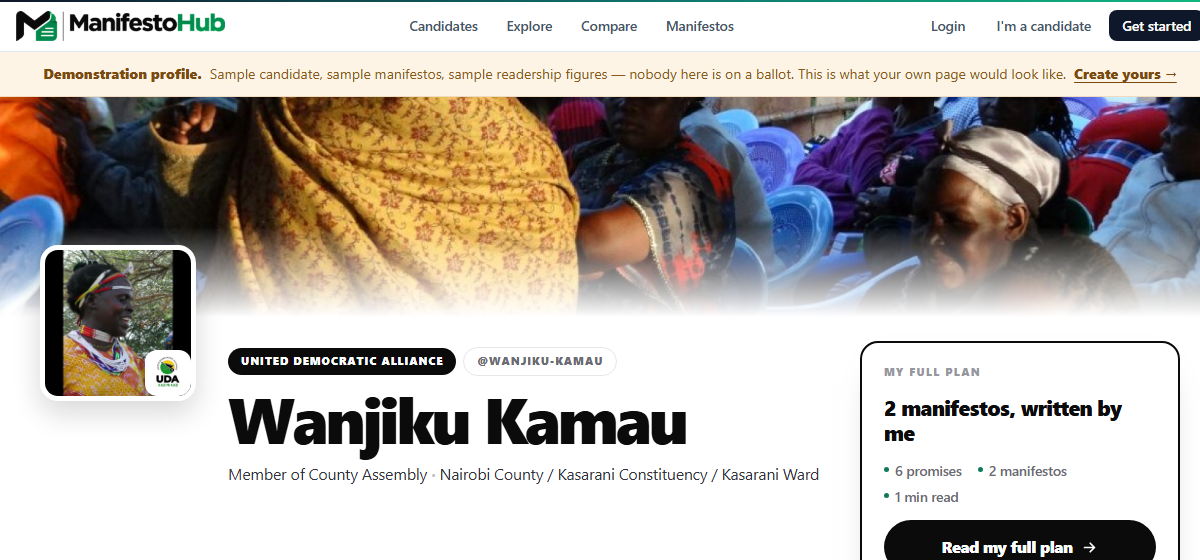
A candidate profile with the plan beside it

The party official

See your whole slate in one place.

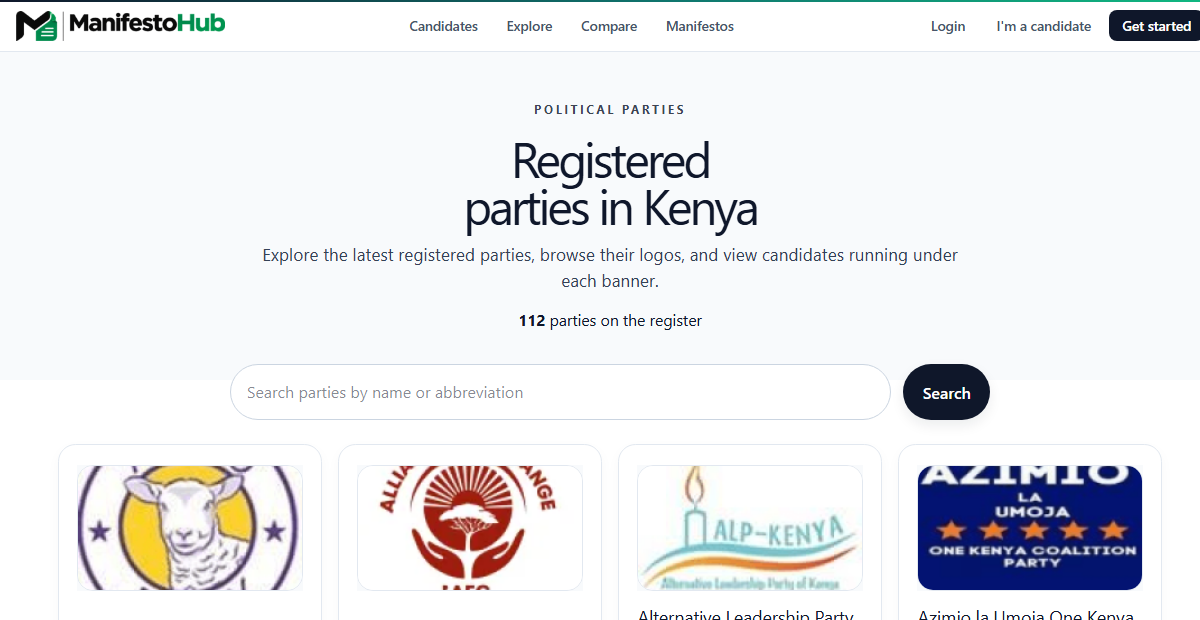
Every candidate who has published under your party is on one page, with the seat and the ward. It is the list you need when a journalist rings, and the gap list you need when somebody is late with their paperwork.

  1. Open Parties and find yours.
  2. Filter the candidate list by county to see who is ready and who is not.
  3. Send the ones who are missing to the page that gets them started.
The party register, with every registered party

The journalist

Quote a promise, not a poster.

A published manifesto is a dated, quotable document with the candidate's name on it. It is the difference between 'the campaign says' and a sentence you can attribute to a page anyone can open.

  1. Search the manifesto, not the candidate, when you need the exact wording.
  2. Link the chapter rather than the front page, so the quote is where you say it is.
  3. Compare two of them in one table for the paragraph that writes itself.
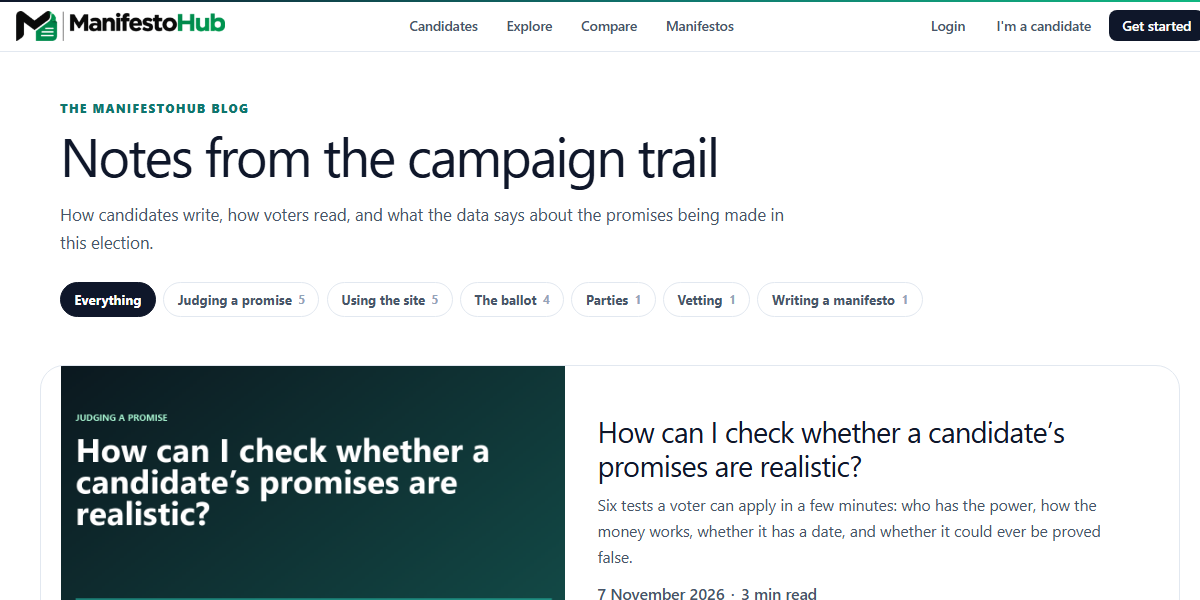
The blog, where the reading guidance lives

The civic educator

Teach with real manifestos, not handouts.

A civics class can take a real ward, read what the candidates published, and test each promise against the budget. The help centre explains what each office can actually do, which is the part most voter education skips.

  1. Start with what each seat on the ballot does.
  2. Take one promise from a local candidate and apply the six tests.
  3. Compare what two candidates in the same ward said about the same problem.
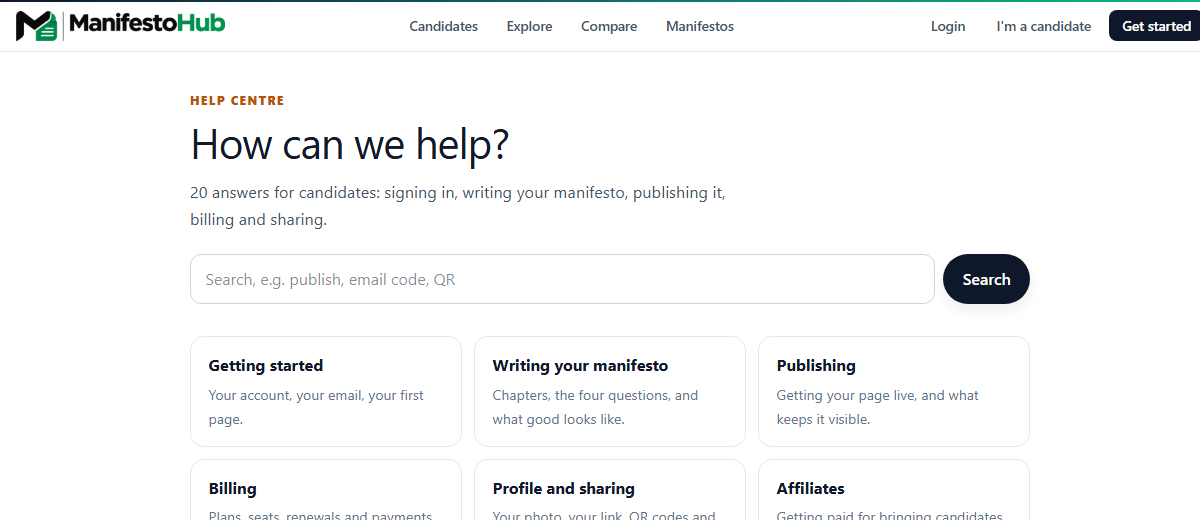
The help centre, open to anyone

Not on this list?

The data is open: every published manifesto has a public address, a chapter structure and a date. If you are building something with it - a research project, a newsroom tool, a class - write to us and we will help you read it.